How To Use Meta Ads Library in 2026: A Complete Guide for Marketers
Learn how to use the Meta Ads Library in 2026 to spy on competitor Facebook and Instagram ads, analyse creatives, and build winning campaigns. Step-by-step guide with filters, workflows, and pro tips.
- 01What is the Meta Ads Library?
- 02Who should use the Meta Ads Library?
- 03How to access the Meta Ads Library
- 04How to use the Meta Ads Library step-by-step
- 0510 ways marketers use the Meta Ads Library
- 06Meta Ads Library vs paid spy tools
- 07Limitations of the Meta Ads Library
- 08Pro tips for advanced users
- 09How PMAcademy teaches Meta Ads Library research
- 10Final word
We'll email you our Performance Marketing Setup Checklist instantly.
No spam. Unsubscribe anytime.
If you run Meta Ads — or want to — the Meta Ads Library is the single most valuable free tool on the internet. It shows you every active ad running on Facebook and Instagram, from any brand, in almost any country, updated in real-time.
Most marketers use it wrong. They search a competitor's name, scroll for 30 seconds, and close the tab. Done right, the Meta Ads Library replaces months of guesswork with hours of structured research.
This guide shows you exactly how to use the Meta Ads Library in 2026 — the filters, the workflows, and the 10 ways smart marketers use it to build winning campaigns. This is the same research process we teach inside our 6-week AI-Powered Performance Marketing course.
What is the Meta Ads Library?
The Meta Ads Library is a free, public database of every active ad running across Facebook, Instagram, Messenger, and the Audience Network.
Meta launched it in 2019 as part of a transparency push after election-integrity concerns. The EU's Digital Services Act (DSA) and similar regulations later expanded what Meta is required to disclose, especially for political, social, housing, employment, and credit ads.
For everyday marketers, the practical result is this: you can now see, for free, every ad that your competitor, your favourite brand, or any Page in the world is currently running. No login. No approval. No cost.
The Ads Library is a snapshot tool, not an analytics tool. Do not expect performance data (CTR, CPM, ROAS) for regular commercial ads — that is confidential to the advertiser.
Who should use the Meta Ads Library?
- Performance marketers — competitor research, creative benchmarking, hook analysis
- Founders and business owners — see what is working in your category before spending on ads
- Freelancers and agencies — build proposals with data, not opinions
- Content creators — study creators who monetise through paid ads
- Students and career switchers — learn ad craft by dissecting real, live campaigns
If you are new to paid ads, start by reading our complete beginner's guide to performance marketing before diving into competitor research.
If you run a local business and prefer bilingual explanations, our guide to learning Google Ads and Facebook Ads for small business in Telugu covers platform choice, Telugu creatives, WhatsApp leads, budgets and a 30-day practice plan.
How to access the Meta Ads Library
Access is simple:
- Open any browser and go to facebook.com/ads/library
- Select the country you want to research
- Choose an ad category (All ads for commercial research)
- Type a brand name or keyword
You do not need a Facebook account to browse basic ads. If you log in, you unlock a few additional features like saving searches and accessing the Ad Library API.
How to use the Meta Ads Library step-by-step
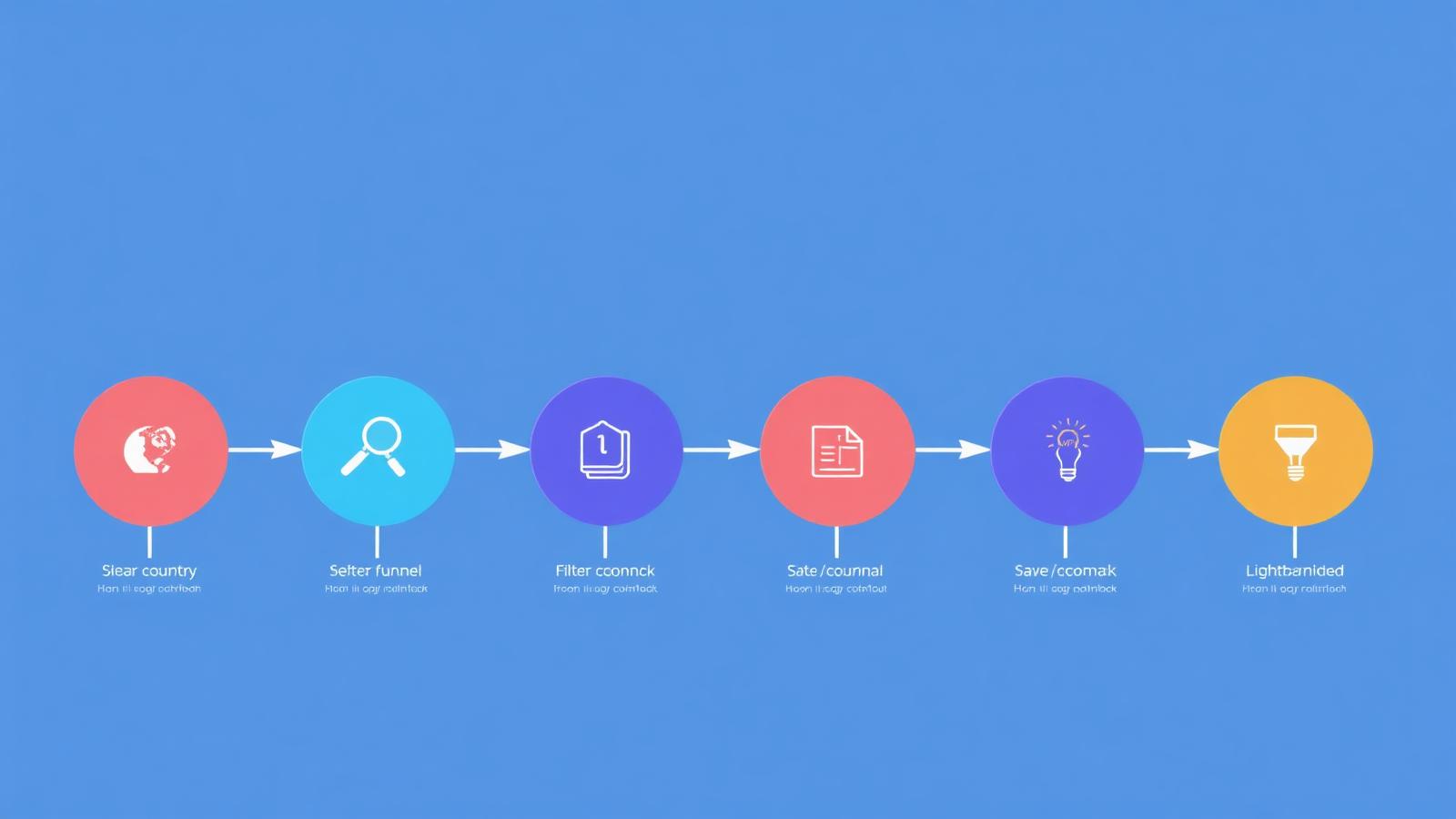
Here is the exact 6-step workflow that turns 5 minutes of scrolling into an hour of high-value research.
Step 1: Select country and ad category
Every country has a separate ad database. If you sell in India, research India. If you also sell internationally, spot-check the United States and United Kingdom to see how mature brands craft copy.
Categories:
- All ads — the default for commercial competitor research
- Issues, elections, or politics — includes spend and reach data (public interest)
- Housing, employment, credit — regulated categories with additional disclosure
Step 2: Search by brand name or keyword
Two search modes matter:
- Advertiser search — type a Facebook Page name (e.g. "Mamaearth", "Sleepy Owl Coffee"). Best for direct competitor analysis.
- Keyword search — type a product term ("performance marketing course", "protein powder"). Best for discovering new competitors and finding creative angles you had not considered.
Step 3: Apply filters
The filter panel is where most marketers stop reading. Do not.
| Filter | What it does | When to use it |
|---|---|---|
| Platform | Facebook, Instagram, Messenger, Audience Network | Isolate ads for the exact placement you plan to run |
| Media type | Image, video, meme, no image | Study video hooks separately from static creative |
| Active status | Active only vs inactive | Active-only shows what is currently working |
| Language | English, Hindi, Tamil, etc. | Match your target audience's language |
| Date range | Custom start and end dates | Track seasonal campaigns and launches |
Step 4: Analyse each ad card
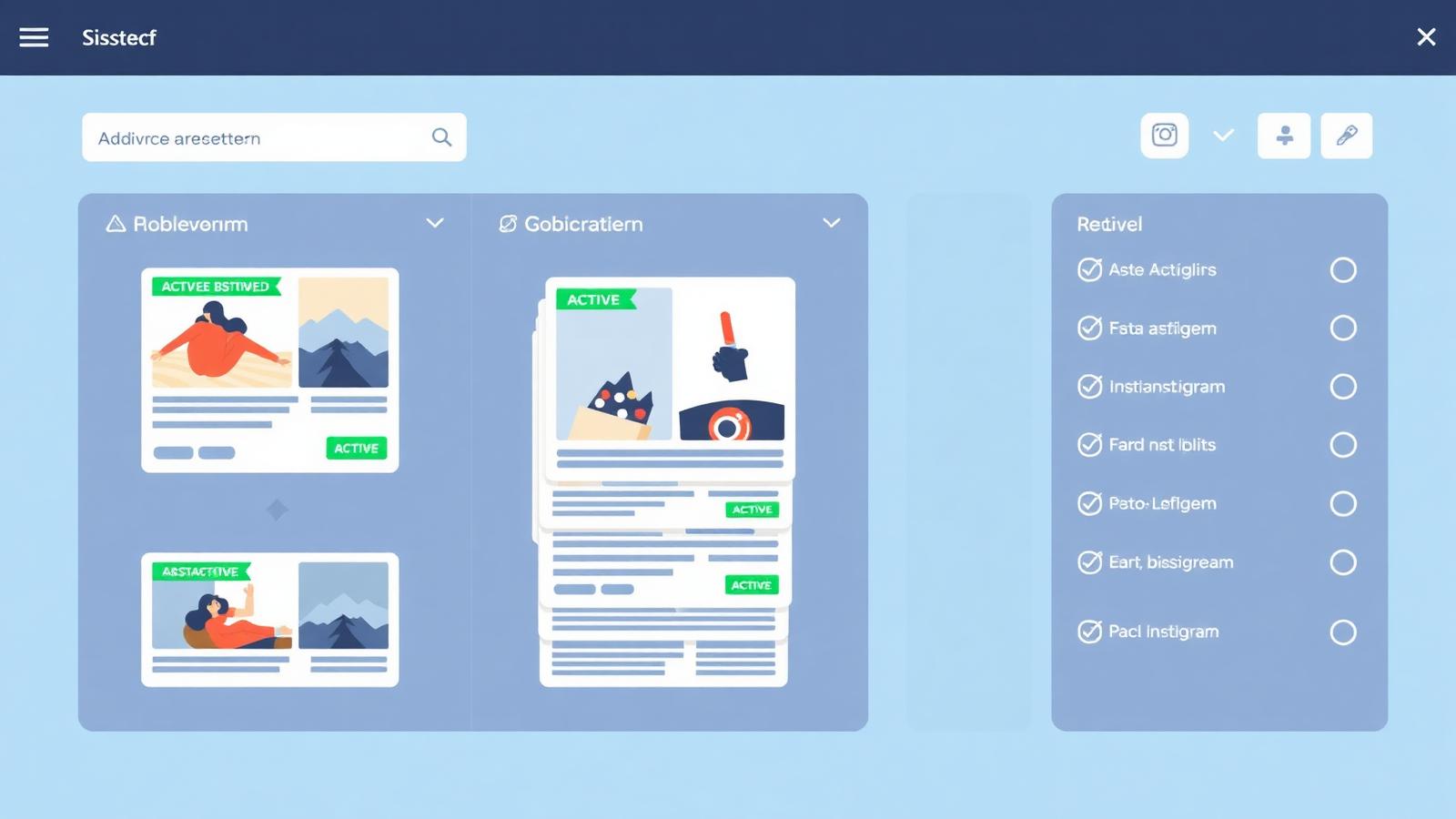
Click any ad to see the full creative. What to look at:
- The first line of copy — this is the "hook"; it is what stopped the scroll
- The offer — free trial, discount, lead magnet, bundle
- The CTA button — "Sign Up", "Shop Now", "Learn More"
- The landing page URL — click it to reverse-engineer the entire funnel
- Ad variations — click "See ad details" to view every creative in the same campaign
Step 5: Track ad longevity
This is the single most important free signal in the entire tool.
Every ad shows a start date. If a competitor has been running the same ad for 30+ days, it is likely profitable. 60+ days means it is almost certainly a winner. 90+ days means they have built a serious profit machine around it.
Meta Ads are ruthless — losing ads get switched off in days. Long-running ads are the closest thing you get to a public leaderboard of winning creative.
Step 6: Build a swipe file
Screenshot ads that meet these criteria:
- Running for 30+ days
- Multiple variations of the same concept
- Strong hook you would not have thought of
- Clean, replicable creative style
Save them into Notion, Figma, or a dedicated tool like Foreplay or Motion. Organise by industry, funnel stage, and format. Over time this becomes your personal creative research library — worth more than any paid course when it comes time to write your next ad.
Do not just save the ad. Save the landing page too. 80% of what makes a Meta ad convert happens after the click.
10 ways marketers use the Meta Ads Library
- Competitor creative audits — every 30 days, screenshot every active ad from your top 5 competitors
- Hook mining — scroll 50 ads in your category and log the first line of each; patterns emerge fast
- Offer research — see whether competitors lead with discount, free trial, quiz, or lead magnet
- Landing page reverse-engineering — click through the ad URL and study the funnel, form fields, and social proof
- Angle testing — see if competitors have already tested the angle you were about to try
- Seasonal trend spotting — filter by date range around Diwali, Black Friday, or exam season
- Ad longevity signal — identify the 5–10 evergreen winners in your niche
- UGC style tracking — see whether creators or in-house teams produce the videos
- New market entry research — before entering a new city or country, study which brands already advertise there
- Freelance pitch material — screenshot competitor ads in your prospect's category and show them exactly what they are missing
Meta Ads Library vs paid spy tools
The Meta Ads Library is powerful but limited. Here is the honest comparison:
| Feature | Meta Ads Library | Foreplay / AdSpy / Minea |
|---|---|---|
| Price | Free | ₹2,000–₹8,000/month |
| Live ads | Yes, real-time | Yes, plus historical archive |
| Historical ads | Only currently active | Full archive going back years |
| Cross-platform | Only Meta | Meta, TikTok, YouTube, Google |
| Saving and tagging | Manual screenshot | Built-in swipe file, folders, tags |
| AI transcripts of video ads | No | Yes |
| Team collaboration | No | Yes |
The verdict: start with the free Meta Ads Library. Once you are spending ₹1 lakh+ per month on ads and doing weekly creative research, a paid tool pays for itself in one saved test.
Limitations of the Meta Ads Library
Being clear about what the library does not show is as important as knowing what it does show:
- No performance metrics for commercial ads (CTR, CPM, CPC, ROAS, purchases)
- No spend or reach data for regular ads (only political / regulated categories)
- No paused or ended ads for commercial advertisers — the archive is limited
- No engagement metrics (likes, comments, shares are not disclosed)
- No targeting data for most regions (EU DSA disclosures are the exception)
These limits are why professional marketers combine the Meta Ads Library with their own conversion tracking (Meta Pixel + Conversions API + GA4) to know what is actually profitable inside their own account.
Pro tips for advanced users
- Reverse-image search any static creative on Google Images or TinEye to see whether it is a stock photo, a competitor's asset, or original
- Use the Ad Library API (requires a verified developer account) to programmatically pull hundreds of ads for large-scale analysis
- Study political ads — even if you never run them, the disclosed spend, reach, and demographic data is a free lesson in audience targeting
- Cross-check with Google Ads Transparency Center to see if the same brand runs cohesive messaging across platforms
- Check ads run in Meta's "Special Ad Category" to study how regulated advertisers (finance, jobs, real estate) craft compliant creative
How PMAcademy teaches Meta Ads Library research
Ad library research is one of the first things students do inside the Meta Ads module of our 6-week AI-Powered Performance Marketing course. We walk through:
- A live audit of 3 competitors in the student's niche
- Structured swipe-file setup in Notion
- Hook writing frameworks derived from ad library patterns
- Landing page teardowns using competitor ad URLs
- AI-assisted creative briefs using ChatGPT + the swipe file
The next batch begins with a free Live Masterclass on Friday, 2 October 2026, 8:00–9:00 PM IST. Reserve your seat here.
Final word
The Meta Ads Library is not a nice-to-have. It is the fastest way to shortcut months of trial and error and see, in real time, exactly what is working in your market.
Bookmark facebook.com/ads/library, spend 20 minutes a week inside it, and your next ad campaign will start from a completely different place — one built on real, live evidence instead of guesswork.
Ready to master Meta Ads end-to-end — from research to running profitable campaigns? Explore the AI-Powered Performance Marketing course →
Preparing for a Meta Ads job? Ads Library research is a great talking point — see the full list of Meta Ads interview questions and answers.
Glossary
- Meta Ads Library
- A free, public transparency tool from Meta that displays every active ad running across Facebook, Instagram, Messenger, and the Audience Network.
- Active Ad
- An ad that is currently being delivered to users. The library shows the date each ad started running.
- Ad Creative
- The visual and copy elements of an ad — image, video, headline, primary text, and call-to-action button.
- Hook
- The first 3 seconds of a video ad or the first line of copy — the element responsible for stopping the scroll.
- Swipe File
- A curated collection of high-performing ads, headlines, and creatives saved for inspiration when producing new campaigns.
- Advantage+ Campaign
- Meta's AI-driven campaign type that automates audience, placement, and creative decisions to maximise performance.
- DSA (Digital Services Act)
- EU regulation that requires large platforms like Meta to publish an ad repository and disclose targeting data for ads shown in the EU.
- EEA Targeting Data
- Age, gender, and location targeting information Meta must disclose for ads shown to users in the European Economic Area.
Sources & Further Reading
Frequently Asked Questions
Is the Meta Ads Library free to use?+
Yes, the Meta Ads Library is 100% free and does not require a Facebook account for basic searches. You can browse ads from any Page in any supported country without paying or signing up.
Can I see how much a competitor is spending on Meta ads?+
No. For regular commercial ads, Meta does not disclose spend, impressions, CTR, or ROAS. Spend and reach data are only public for ads in the political, social issues, housing, employment, and credit categories.
Can I download ads from the Meta Ads Library?+
Meta does not provide a native download button, but you can right-click images to save them, screenshot video ads, or use browser extensions and tools like Foreplay to save and organise creatives.
Why can't I see all the ads a brand is running?+
The library only shows currently active ads. Paused or ended commercial ads are removed. Additionally, ads targeted to specific narrow audiences may not appear if Meta considers them low-visibility.
How often is the Meta Ads Library updated?+
The library updates in near real-time. Ads typically appear within 24 hours of going live and disappear from active listings once paused or ended.
Is it legal to copy ads from the Meta Ads Library?+
It is legal to study, analyse, and take inspiration from public ads. It is not legal to copy an ad exactly, including brand assets, copyrighted images, or trademarked slogans. Use the library for research and creative direction, not direct duplication.
What are the best alternatives to Meta Ads Library?+
For deeper analysis, paid tools like Foreplay, AdSpy, PowerAdSpy, and Minea offer historical data, cross-platform search, and organisation features. But the Meta Ads Library itself remains the most accurate real-time source for active Facebook and Instagram ads.
Does the Meta Ads Library show TikTok or Google ads?+
No. It only covers Meta-owned platforms: Facebook, Instagram, Messenger, and the Audience Network. For TikTok ads use the TikTok Creative Center; for Google ads use the Google Ads Transparency Center.
Join our live training program and become a performance marketing professional.
Instant-download resources from the PMAcademy shop that pair with this guide.