AI Photo Editing Prompts for Every Tool: ChatGPT, Gemini & More (2026)
The complete guide to AI photo editing prompts: how prompt-based editing works, which tool is best for which job (ChatGPT vs Gemini vs others), a copy-paste prompt starter pack, and links to our full tested prompt libraries.
We'll email you our Performance Marketing Setup Checklist instantly.
No spam. Unsubscribe anytime.
Two years ago, editing a photo meant learning layers, masks and brushes. Today it means typing a sentence. AI photo editing prompts — plain-language instructions like "change the background to a Goa beach at sunset, keep my face exactly the same" — have turned tools like Google's Gemini and ChatGPT into photo editors anyone can use.
This guide is the hub for everything we have tested and published on the topic: how prompt-based editing actually works, which tool to pick for which job, the prompt formula that works everywhere, a starter pack of copy-paste prompts, and links to our full prompt libraries (130+ tested prompts across four articles).
How AI photo editing with prompts works
The flow is the same in every major tool:
- Upload a photo in the chat or app.
- Type your instruction in plain words — what to change, and just as importantly, what to keep.
- Review the result, then refine with follow-up messages ("make the light warmer", "remove the person behind me") instead of starting over.
- Download and inspect at full zoom — especially text, logos, hands and jewellery, which AI models sometimes distort.
Under the hood, the tool is not "editing" your photo the way Photoshop does — it is generating a new image guided by your photo and your words. That is why the instruction "keep my face exactly the same" matters so much: without it, the model has no reason to preserve anything.
Which tool for which job
| Job | Best tool | Why |
|---|---|---|
| Realistic portrait edits (outfit, background, lighting) | Gemini | Best-in-class identity preservation — your face stays your face |
| Stylised transformations (paintings, posters, cartoons) | ChatGPT | Stronger artistic and illustrative styles |
| Product photos for e-commerce | Gemini | Realistic scenes, fast iteration, good object consistency |
| Retro / vintage photo trends | Either | Both handle film-grain and era styles well — see our 80s prompts article |
| Couple and group photos | Gemini | Better at keeping multiple faces consistent |
| Text-heavy designs (posters with wording) | Neither fully | Always check rendered text at full zoom; both can garble it |
The short version: Gemini for realistic, ChatGPT for artistic. Most creators end up using both.
The 4-part prompt formula (works in every tool)
[what to keep] + [the exact change] + [style or mood] + [lighting]
- Weak: "make this photo better"
- Strong: "Keep the woman and her red saree exactly the same, change the background to a misty tea garden at sunrise, cinematic photography style, soft golden light"
Three more rules that apply in every tool:
- One change per message. Background first, then outfit, then mood. Ten changes at once produces mush.
- Name people clearly in group photos: "the man on the left", "both of us".
- Iterate, don't abandon. The second or third attempt is usually dramatically better.
Starter pack: 12 prompts that work in both tools
Copy these, paste with your photo, adjust the details:
- Studio headshot — "Turn this into a professional studio headshot with a plain dark backdrop and soft lighting. Keep my face exactly the same."
- Golden hour — "Relight this photo as if shot at golden hour, warm sunlight, natural skin tones. Do not change my face or pose."
- Background blur — "Add a creamy DSLR-style background blur behind me, keeping me in sharp focus. Keep everything about me unchanged."
- Diwali setting — "Change the background to a balcony with diyas and marigold garlands at dusk, warm glow. Keep me and my outfit exactly the same."
- Beach sunset — "Place me on a beach at sunset with a golden sky. Keep me unchanged."
- White studio product shot — "Place this product on a seamless white background with soft even lighting. Keep the label and text exactly the same."
- Festive product — "Surround this product with warm bokeh lights for a Diwali promotion, product in sharp focus, packaging unchanged."
- 1980s film — "Re-render this as an authentic 1980s film photograph with grain and faded colours. Keep my face recognisable."
- Oil painting — "Transform this portrait into a classical oil painting while keeping my likeness recognisable."
- Anime style — "Redraw this photo in a detailed anime style, keeping my hairstyle, outfit and pose recognisable."
- Remove a person — "Remove the person in the background and fill the space naturally. Keep everything else exactly the same."
- Rainy mood — "Make it look like I am by a rain-covered window at blue hour, cinematic cool tones. Keep my face the same."
The full prompt libraries
Each of these articles goes deep on one tool or theme, with tested copy-paste prompts:
- ChatGPT Photo Editing Prompts: 73 Copy-Paste Prompts — our most-tested library: portraits, products, backgrounds, styles and fixes, written for ChatGPT.
- Gemini AI Photo Editing Prompts: 60+ Copy-Paste Prompts — the Gemini companion: portraits, festive looks, product shots, retro styles and couples, tuned for Nano Banana's identity preservation.
- 80s Photo Prompts for ChatGPT — the retro trend, step by step.
- Couple Prompts for Gemini AI — two-person edits where both faces stay recognisable.
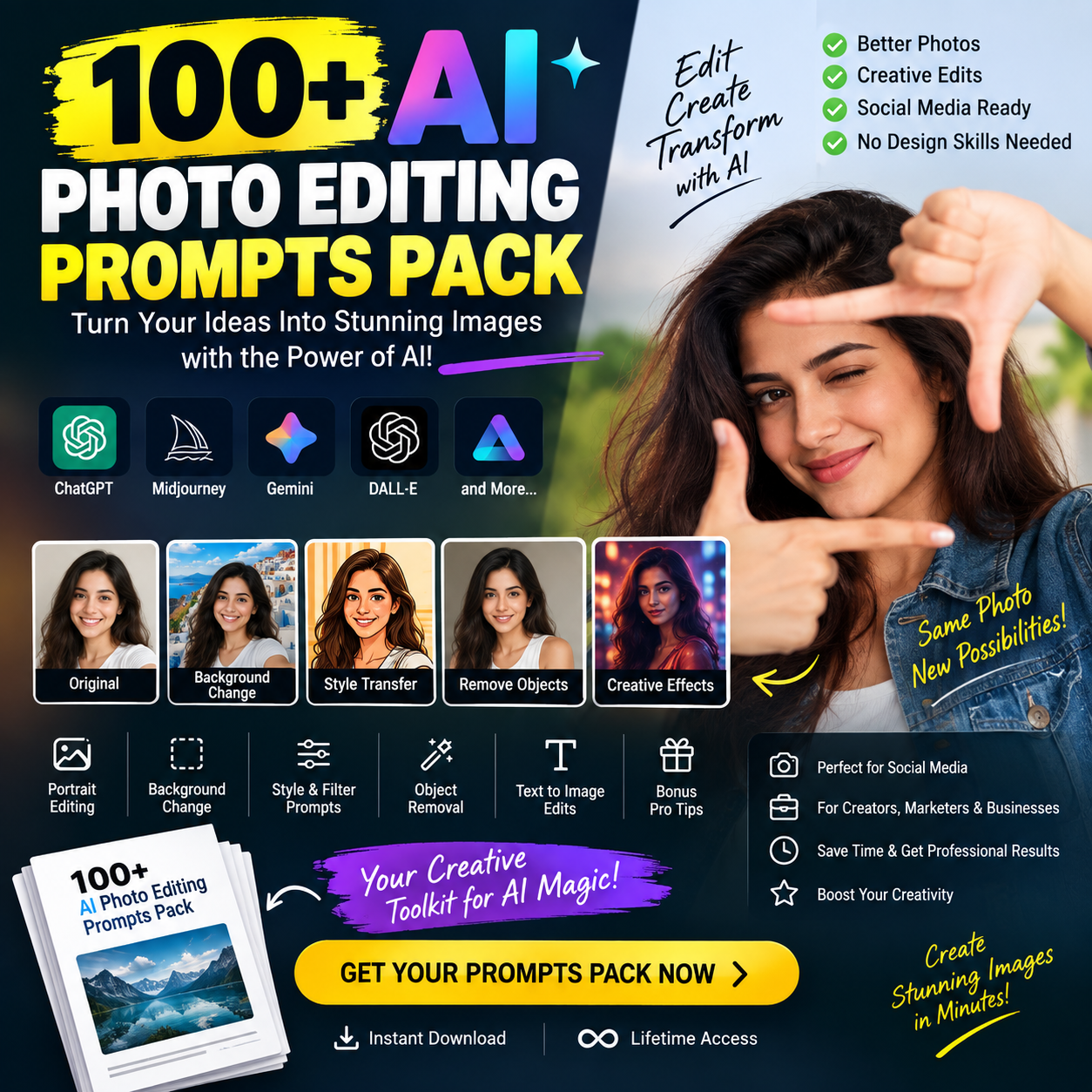
100+ AI Photo Editing Prompts Pack (Instant Download)
Copy-paste prompts for ChatGPT & Gemini photo edits
- 100+ copy-paste prompts across 8 categories: portraits, Instagram trends, backgrounds, product shots, restoration, creative styles, text-on-image and ad creatives
- The 6-part prompt formula with worked examples
- Follow-up prompts to fix likeness, lighting and background issues
- Aspect-ratio cheat sheet for every social and ad placement
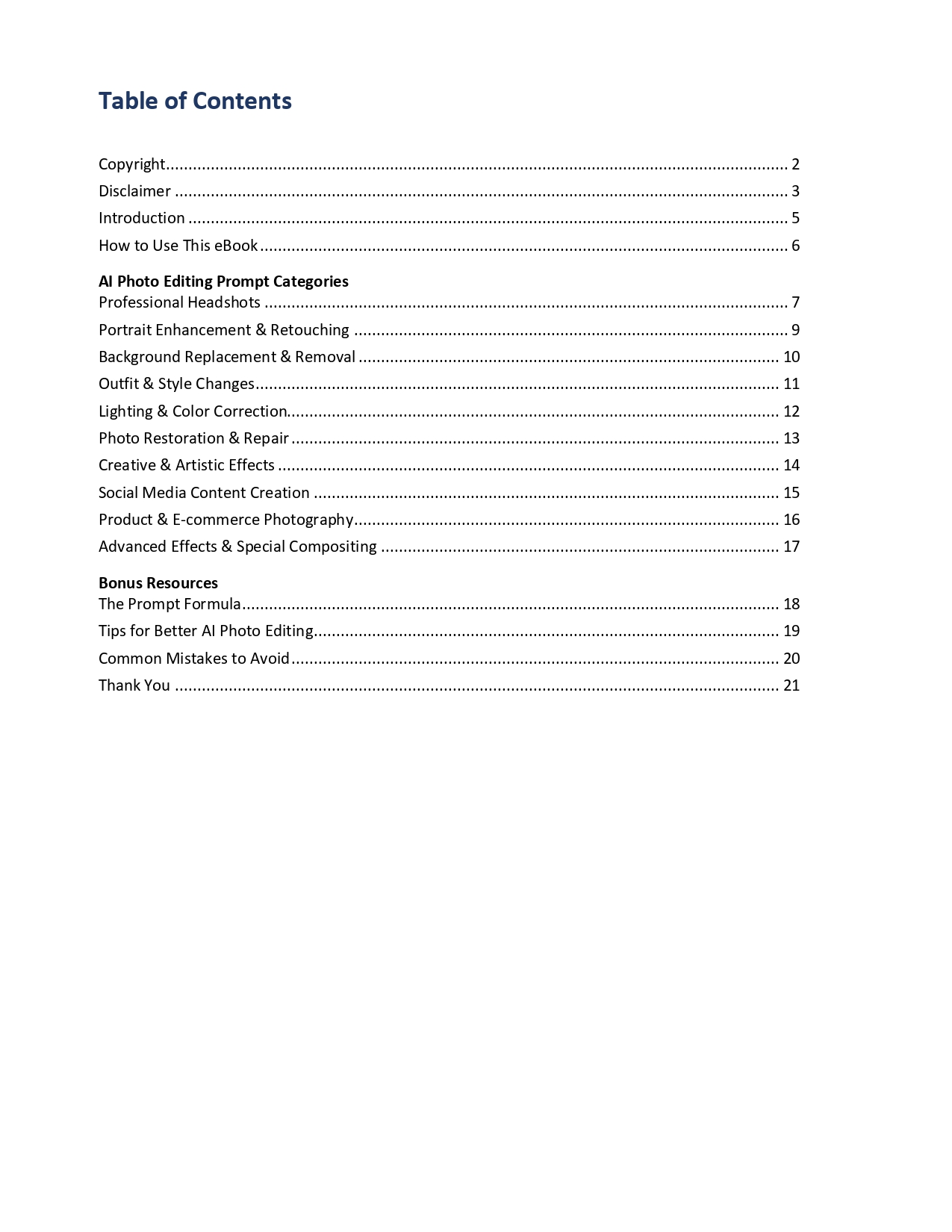
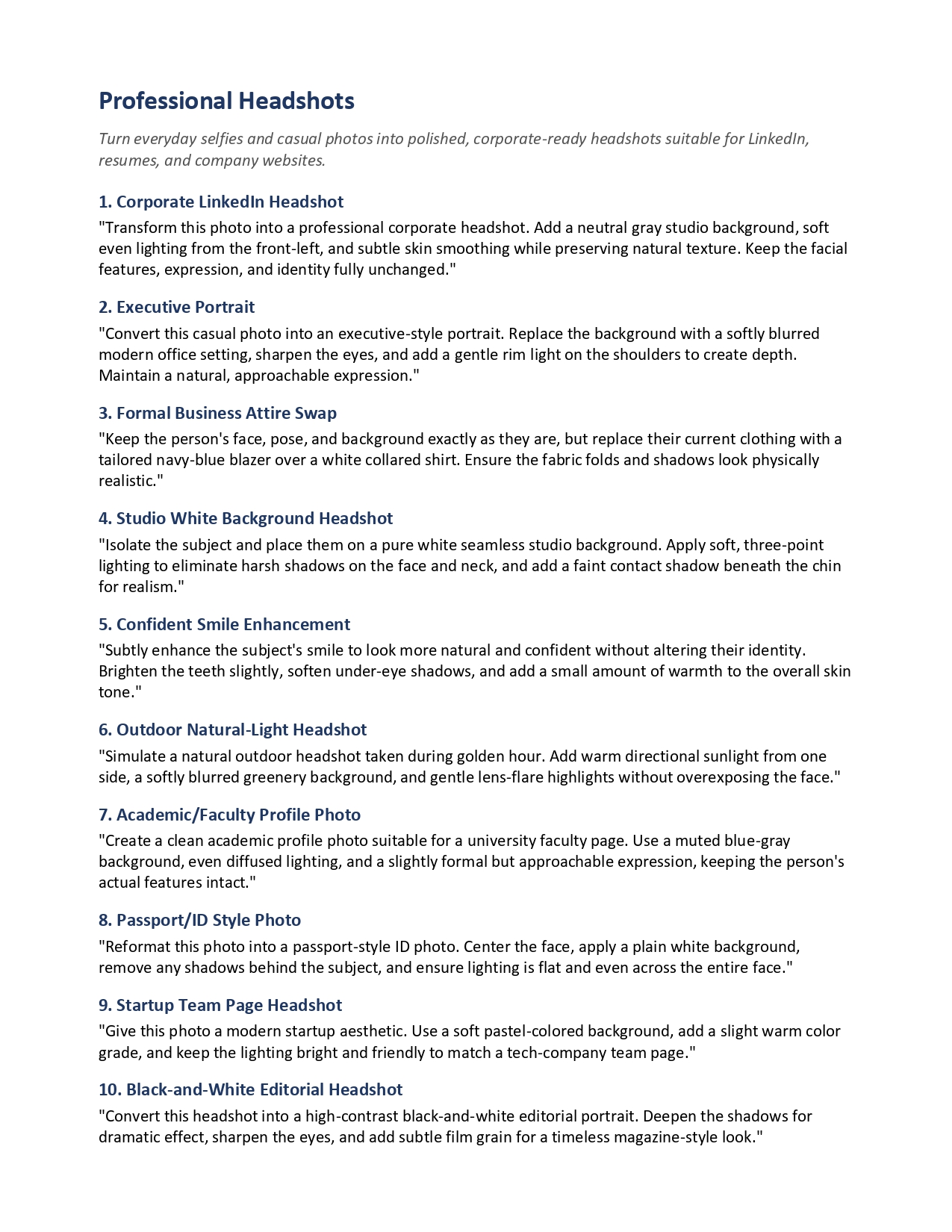
Look inside
Secure Razorpay checkout One-time payment, lifetime accessInstant download
Mistakes that ruin AI photo edits (in any tool)
1. Not saying what to keep. End every prompt with what must stay unchanged — face, expression, product label.
2. Vague instructions. "Make it aesthetic" means nothing to a model. Name the style, the mood and the light.
3. Bad source photos. Blurry, dark or heavily filtered inputs give the model little to anchor to. Sharp, front-facing, evenly lit photos edit best.
4. Trusting text and logos. Zoom in. AI-rendered text is often wrong, and a distorted product label can get an ad rejected.
5. Publishing misleading edits. Fake locations, fake results and fake endorsements can violate platform rules and advertising standards. AI images from Google tools also carry an invisible SynthID watermark identifying them as AI-made.
From hobby to skill
AI photo editing started as a fun trend, but it is quietly becoming paid work: small businesses need product photos, festival creatives and social content every week, and most cannot afford a studio. The prompts are the easy part — the marketable skill is understanding what a business needs and delivering it consistently. That is exactly the kind of AI + marketing skill we teach in the AI Digital Marketing Course, and the free masterclass is a good place to start if you are curious.
Frequently asked questions
The FAQ section below covers free limits, face changes, commercial use and mobile editing. Start with the starter pack above, then pick the full library for your tool — and remember the one rule that fixes most bad results: always say what must not change.
Glossary
- AI photo editing prompt
- A plain-language instruction given to an AI tool along with an uploaded photo, describing the edit you want.
- Image-to-image editing
- Modifying an existing uploaded photo with AI, instead of generating a brand-new image from text alone.
- Identity preservation
- How well the AI keeps a person's face and features recognisable after the edit.
- Style transfer
- Re-rendering a photo in a different artistic style, such as oil painting, anime or vintage film.
- Negative instruction
- Telling the AI what to avoid or keep unchanged, e.g. 'do not change my expression'.
- SynthID
- Google's invisible watermark embedded in AI-generated images to identify them as AI-made.
Sources & Further Reading
Frequently Asked Questions
What are AI photo editing prompts?+
They are plain-language text instructions you type into an AI tool (like Gemini or ChatGPT) along with an uploaded photo. Instead of learning editing software, you describe the change: 'dress me in a black suit, keep my face the same' or 'put this product on a marble counter with morning light'. The AI regenerates the image with your change applied.
Which AI tool is best for photo editing with prompts?+
For realistic edits where your face must stay recognisable — outfit changes, background swaps, product photos — Google's Gemini is currently the strongest. For stylised and artistic transformations — paintings, posters, cartoon styles — ChatGPT tends to produce better results. Many creators use both, picking the tool per job.
Are AI photo editing tools free?+
Both Gemini and ChatGPT offer image editing on free tiers with daily limits, with higher limits on paid plans. Limits change frequently, so check each tool's official page for what is currently included rather than relying on any fixed number.
Why does the AI change my face when I only asked for a background change?+
Because the prompt did not tell the model what to preserve. Add an explicit instruction like 'keep my face, expression and skin tone exactly the same' and regenerate. A sharp, well-lit, front-facing source photo also gives the model more to anchor to.
Can I use AI-edited photos for my business or online store?+
Yes, with two cautions. First, check that labels, logos and text survived the edit — AI models often distort text, and a wrong label on a product image is a trust and policy problem. Second, follow platform disclosure rules for AI imagery in ads, and never use edits that mislead (fake results, fake locations, fake endorsements).
What is the best prompt formula for AI photo editing?+
Keep + change + style + lighting. Example: 'Keep the man and his blue shirt exactly the same, change the background to a rainy neon street at night, cinematic photography style, cool moody lighting.' This structure works in Gemini, ChatGPT and most other image tools.
Can AI add or remove people from a photo?+
Yes — 'remove the person in the background' or 'add a golden retriever sitting next to me' both work in Gemini and ChatGPT. Results with hands and overlapping people can be imperfect, so check the details at full zoom and iterate with follow-up instructions.
Do AI photo editing prompts work on mobile?+
Yes. The Gemini and ChatGPT mobile apps both support uploading a photo and typing an edit instruction. The same prompts work on mobile and desktop — the libraries linked in this article were written to be copy-pasted from a phone.
Join our live training program and become a performance marketing professional.