Email Marketing: Complete Beginner's Guide with Examples, Tools and Steps (2026)
Learn email marketing step by step: what it is, why it works, types of emails, how to build a list, write emails that get opened, automation, metrics, tools, Indian rules and a 30-day plan for beginners and businesses.

- 01What is email marketing?
- 02Why email marketing works
- 03Types of marketing emails
- 04Email marketing step by step (7 steps)
- 05How to write emails that get opened and clicked
- 06Email marketing metrics to track
- 07A/B testing: improve one thing at a time
- 08Email marketing rules in India
- 09Email marketing vs WhatsApp vs social media
- 10Common email marketing mistakes
- 11A 30-day email marketing plan for beginners
- 12Email marketing as a career
- 13Learn email, ads and AI marketing with PMAcademy
- 14The bottom line
We'll email you our Performance Marketing Setup Checklist instantly.
No spam. Unsubscribe anytime.
Social media reach goes up and down with algorithms. Ads stop the moment you stop paying. But an email list is yours — people who chose to hear from you. That's why email marketing remains one of the most reliable ways to turn interest into sales. This guide explains email marketing from zero, step by step.
What is email marketing?
Email marketing is sending planned, relevant emails to people who have given permission, to build relationships and drive actions — reading content, enquiring, buying or buying again.
Example: someone downloads a free "Instagram Ads checklist" from a training institute. They get a welcome email, then a weekly tips email, then an invitation to a free masterclass, then course details. Each email moves them one step closer to enrolling.
Why email marketing works
- You own the list. No algorithm decides who sees your message.
- Very low cost. Thousands of emails cost far less than ads that reach the same people.
- Warm audience. Subscribers already showed interest.
- Personal and targeted. Use names, interests and past purchases.
- Automated. Once set up, sequences run 24/7.
- Measurable. See opens, clicks and sales per email.
Email works best together with other channels: ads and SEO bring new people, email turns them into customers. Read what is digital marketing to see how the channels fit together.
Types of marketing emails
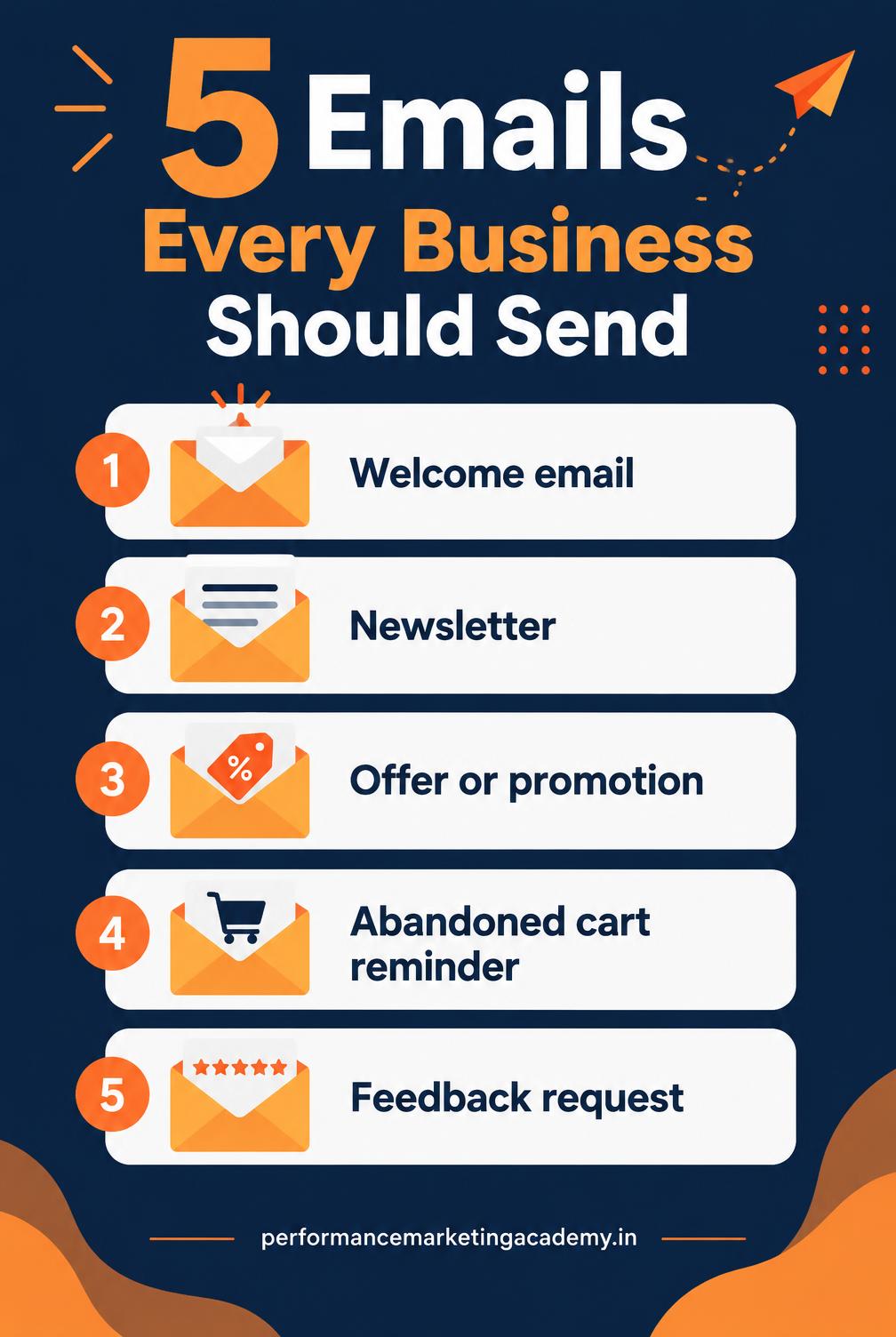
| Email type | When to send | Goal |
|---|---|---|
| Welcome email | Immediately after sign-up | Deliver the freebie, set expectations, introduce yourself |
| Newsletter | Weekly or fortnightly | Share tips and updates; stay remembered |
| Offer / promotion | Launches, festivals, sales | Drive purchases |
| Abandoned cart | 1–24 hours after cart left | Recover lost sales |
| Feedback / review request | After purchase or service | Improve and collect testimonials |
| Re-engagement | After months of no opens | Win back or remove inactive contacts |
| Transactional | Orders, receipts, password resets | Confirm actions (not promotional) |
Email marketing step by step (7 steps)
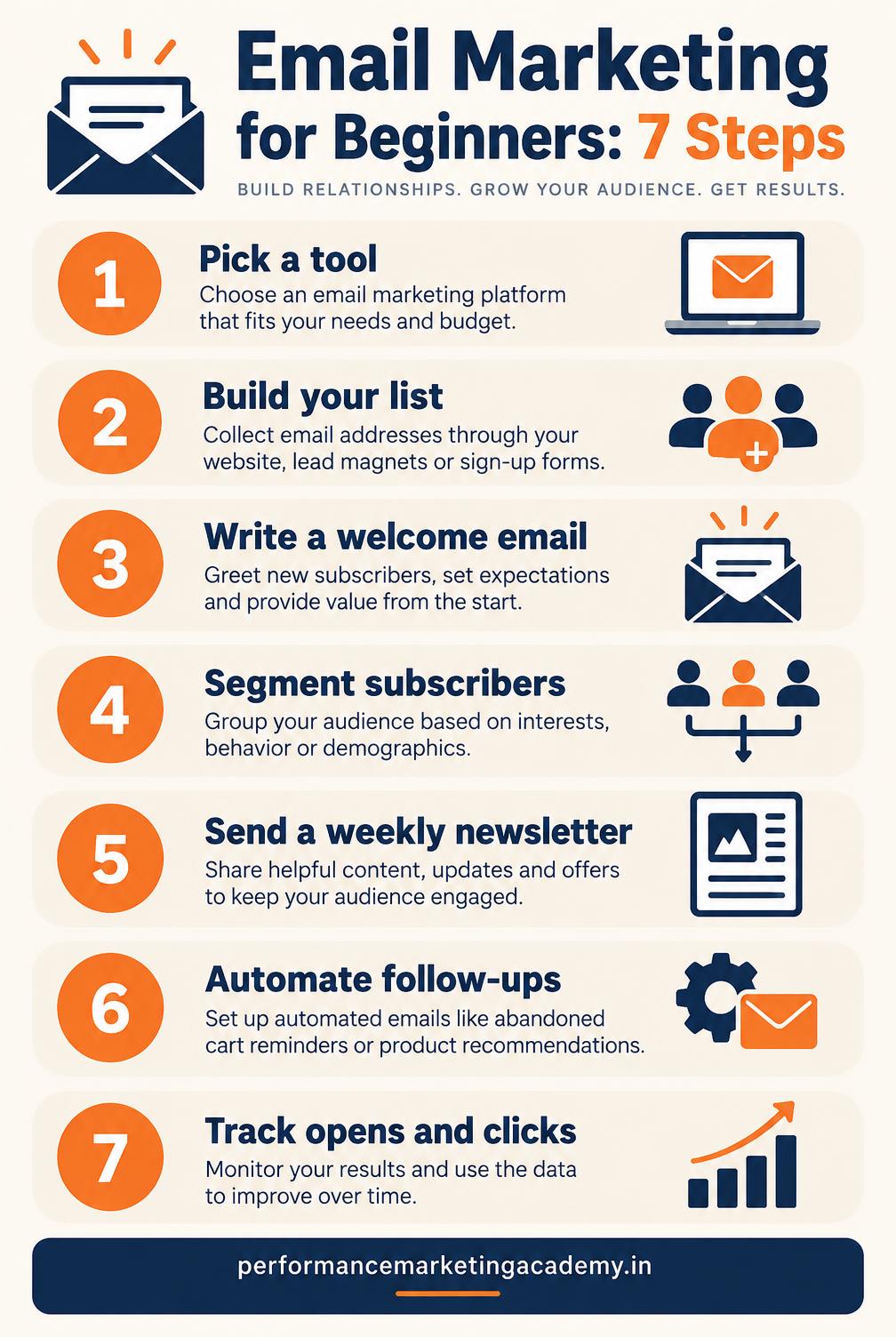
Step 1: Pick an email marketing tool
Do not send marketing emails from personal Gmail — you'll hit limits, lack unsubscribe links and land in spam. Use a dedicated tool.
| Tool | Good for | Notes |
|---|---|---|
| Mailchimp | Beginners, small businesses | Easy editor, templates |
| Brevo (formerly Sendinblue) | Email + SMS + WhatsApp | Priced by emails sent |
| Zoho Campaigns | Indian businesses using Zoho | Works with Zoho CRM |
| Klaviyo | E-commerce stores | Strong Shopify integration |
| MailerLite | Creators, newsletters | Simple and affordable |
Check each tool's current pricing on its official site; plans change often.
Step 2: Set up your sending domain
Send from a professional address like hello@yourbrand.in, not a free Gmail address. Then add SPF, DKIM and DMARC records to your domain (your tool gives step-by-step instructions). Gmail and Yahoo now expect these for bulk senders, and they greatly improve inbox placement.
Step 3: Build your email list (with permission)
Ways to grow a list the right way:
- Website sign-up form — on the homepage, blog posts and a pop-up.
- Lead magnet — a free checklist, template, mini-course, discount or webinar.
- Social media and WhatsApp — share the sign-up link in bio and status.
- Lead form ads — Meta and Google lead forms with a clear email consent box.
- Checkout — let buyers tick a box to receive offers.
- Events and masterclasses — collect emails at registration.
Never buy email lists. Purchased contacts never agreed to hear from you; they hurt deliverability, damage your domain reputation and can break data protection law.
Step 4: Write a welcome email
Your welcome email gets the most attention you'll ever get. Include:
- A warm thank you and the promised freebie.
- Who you are, in two lines.
- What they'll receive and how often.
- One simple next step (read an article, reply with their goal, join a masterclass).
Sample welcome email:
Subject: Your free checklist is here, Priya
Hi Priya, thanks for joining! Here's your [Instagram Ads checklist].
Every Tuesday I'll send one practical digital marketing tip you can use in 10 minutes.
Quick question: what's your goal — a job, freelancing or growing your business? Just hit reply and tell me.
Step 5: Segment your subscribers
Not everyone wants the same email. Simple segments to start with:
- By interest: jobs, freelancing, business owners.
- By stage: new subscriber, enquired, customer.
- By behaviour: clicked a course link, attended a webinar, bought before.
- By location or language.
Relevant emails get more clicks and fewer unsubscribes.
Step 6: Send a regular newsletter
A simple newsletter format that works:
- One helpful tip or story (main content).
- One link to a blog post or video.
- One soft call to action (offer, event or reply).
Aim for around 80% value and 20% promotion. Keep it short and mobile-friendly — most emails are read on phones.
Step 7: Automate follow-ups
Automation sends the right email at the right moment without manual work.
| Automation | Trigger | Example sequence |
|---|---|---|
| Welcome series | Sign-up | Day 0 freebie → Day 2 your story → Day 4 best resources → Day 7 offer |
| Lead nurture | Downloaded a guide | Tips → case example → FAQ → invitation to consult |
| Abandoned cart | Cart left without purchase | Reminder → answer objections → small incentive (optional) |
| Post-purchase | Order placed | Thank you → how to use → review request → related product |
| Win-back | No opens in 90 days | "Still interested?" → last chance → remove if no response |
How to write emails that get opened and clicked
Subject lines
- Keep them clear and specific: "3 Meta Ads mistakes costing you leads".
- Use curiosity honestly; never mislead.
- Personalise with the first name sometimes.
- Avoid ALL CAPS, many exclamation marks and spammy words like "FREE!!!".
- Write a preview text that adds to the subject.
Body
- One email, one main goal, one main button.
- Short paragraphs and simple words.
- Write like you talk to one person.
- Put the call to action above the fold and repeat it at the end.
- Add an obvious unsubscribe link (required, and it protects your reputation).
Design
- Mobile-first, single column.
- Use images to support, not replace, text — many people have images off.
- Make buttons large enough to tap.
Email marketing metrics to track
| Metric | Formula | What it tells you |
|---|---|---|
| Delivery rate | Delivered ÷ sent | List quality and sender health |
| Open rate | Opens ÷ delivered | Subject line and sender trust (inflated by privacy features) |
| Click-through rate | Clicks ÷ delivered | Content and call-to-action strength |
| Click-to-open rate | Clicks ÷ opens | How engaging the email was for openers |
| Conversion rate | Conversions ÷ clicks | Landing page and offer strength |
| Unsubscribe rate | Unsubscribes ÷ delivered | Relevance and frequency |
| Bounce rate | Bounces ÷ sent | Bad or old addresses |
| Spam complaint rate | Complaints ÷ delivered | Keep this very low |
Use UTM tags on email links so Google Analytics 4 shows which emails bring leads and sales. For click and cost terms, see CPC, CPM and CTR meaning.
A/B testing: improve one thing at a time
Test two versions with part of your list, then send the winner to the rest:
- Subject line A vs B.
- Send time (morning vs evening).
- Button text ("Get the guide" vs "Download now").
- Short vs long email.
Change only one thing per test so you know what made the difference.
Email marketing rules in India
- Send only to people who gave clear consent, and keep a record of it.
- Always include an unsubscribe link and honour requests quickly.
- Show who you are and how to contact you.
- India's Digital Personal Data Protection Act, 2023 sets rules for collecting and using personal data with consent; follow its requirements as they are implemented.
- If you email people in the EU or UK, GDPR rules apply too.
This is general information, not legal advice.
Email marketing vs WhatsApp vs social media
| Factor | Social media | ||
|---|---|---|---|
| Ownership | You own the list | You own contacts; platform rules apply | Platform controls reach |
| Best for | Detailed content, nurturing, receipts | Quick replies, closing sales | Discovery, brand building |
| Cost | Low | Business API charges per conversation | Free organic; paid ads extra |
| Message length | Long-form OK | Short | Short / visual |
Most businesses use all three: social and ads to find people, email to educate, WhatsApp to close. See our WhatsApp marketing guide.
Common email marketing mistakes
- Buying lists or adding people without permission.
- Only sending sales emails.
- No welcome email.
- Sending from a free Gmail address without SPF/DKIM/DMARC.
- Ignoring mobile layout.
- Never cleaning inactive contacts.
- Not tracking clicks and sales with UTMs.
A 30-day email marketing plan for beginners
| Week | Task |
|---|---|
| Week 1 | Choose a tool, set up your domain authentication, create a sign-up form and a simple lead magnet |
| Week 2 | Write and automate a 4-email welcome series; add the form to your website and social bios |
| Week 3 | Send your first weekly newsletter; create 2–3 basic segments |
| Week 4 | Review metrics, A/B test a subject line, set up one abandoned-cart or nurture automation |
Email marketing as a career
Email and lifecycle marketing roles exist in e-commerce, edtech, SaaS and agencies — titles like email marketing executive, CRM executive and retention marketer. Combining email with paid ads and analytics makes you much more valuable. Explore digital marketing jobs in India, salary ranges and live openings on our jobs page.
Learn email, ads and AI marketing with PMAcademy
- AI Digital Marketing Course — 8 weeks covering SEO, Google Ads, Meta Ads, ChatGPT Ads, WhatsApp marketing, analytics and building websites and landing pages with AI.
- Performance Marketing Course — 6 weeks of Google Ads, Meta Ads, conversion tracking and ROAS.
- AI E-Commerce Website Course — build an online store where email and cart reminders can drive sales.
Join our next free live masterclass from the homepage, or message us on WhatsApp to ask about batches.
The bottom line
Email marketing is simple: get permission, send something useful, and follow up consistently. Start with a welcome email and one weekly newsletter, measure clicks and sales, and add automation as your list grows. A small engaged list can bring more customers than a large audience you don't own.
Glossary
- Email list
- The contacts who have agreed to receive your emails.
- Opt-in
- Clear permission from a person to receive emails. Double opt-in asks them to confirm by clicking a link.
- Lead magnet
- A free, useful item offered in exchange for an email address, such as a guide or checklist.
- Open rate
- Percentage of delivered emails that were opened. Less reliable since privacy features pre-load emails.
- Click-through rate (CTR)
- Percentage of delivered emails in which a link was clicked.
- Segmentation
- Splitting your list into groups (by interest, location, purchase) to send more relevant emails.
- Automation / drip
- A series of emails sent automatically based on a trigger, such as signing up or leaving a cart.
- Deliverability
- How often your emails reach the inbox instead of spam.
- SPF, DKIM, DMARC
- Domain settings that prove your emails are genuinely from you and improve deliverability.
Sources & Further Reading
Frequently Asked Questions
What is email marketing in simple words?+
It is sending emails to people who signed up to hear from you — with useful tips, updates and offers — so they trust you and buy from you.
Is email marketing still effective in 2026?+
Yes. Email is low cost, you own the list, and people who subscribe are already interested. It works especially well for nurturing leads, repeat sales and e-commerce reminders.
Which is the best email marketing tool for beginners?+
Mailchimp, Brevo and Zoho Campaigns all have free or low-cost starter plans and drag-and-drop editors. Pick one that fits your budget and list size; you can switch later.
How do I get my first email subscribers?+
Add a sign-up form to your website, offer a free lead magnet, mention it on social media and WhatsApp, and ask existing customers for permission. Never buy lists.
How often should I send marketing emails?+
Start with one useful email per week. Consistency matters more than frequency; increase only if engagement stays healthy.
What is a good open rate and click rate?+
Benchmarks vary by industry and tool. Instead of chasing outside numbers, compare against your own past emails and aim to improve them steadily.
Why do my emails go to spam?+
Common causes: no SPF/DKIM/DMARC setup, buying lists, spammy subject lines, too many images or links, and sending to inactive contacts. Fix authentication and clean your list.
Is email marketing a good career skill?+
Yes. Email marketing specialists, CRM executives and lifecycle marketers are needed by e-commerce, edtech and SaaS companies. It also pairs well with performance marketing.
Join our live training program and become a performance marketing professional.